 GetQR
These are illustrative setups, not client stories: the businesses, names, numbers and links are fictional.
1. Product details and manuals on the shelf tag
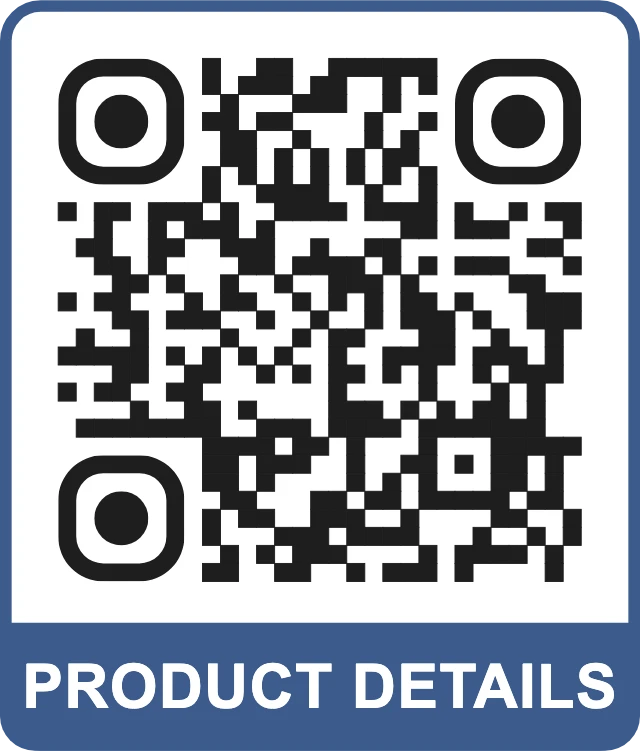
Picture a small kitchenware shop with more products than shelf space for explanations. Customers want to know whether a pan works on induction, how to care for a wooden board or where to find the manual for a coffee grinder. A shelf tag code that opens the product page answers that while the customer is holding the item.
Make it dynamic. When a supplier updates a manual or you replace a product with a newer model, change the destination with the management link and keep the same printed tag.
How to set it up on GetQR
- Type: Link, Mode: Dynamic
- Destination: the product page or manual, e.g. https://example.com/products/pan-28
- Frame: Label below, text PRODUCT DETAILS
- Export: SVG for shelf tag templates, size around 2.5 cm
- Name each code clearly in your own list so you know which tag points where
Where to put it
On the shelf edge label, a hang tag or a sticker on the box. Keep it at the front edge at hand or eye height, not on the bottom shelf where customers would have to crouch.
Tip: Link to a mobile-friendly page, not a 40-page scanned PDF. If the full manual is only available as a PDF, put a short summary at the top of the page and link to the PDF below it.
2. Window display that keeps selling after closing time
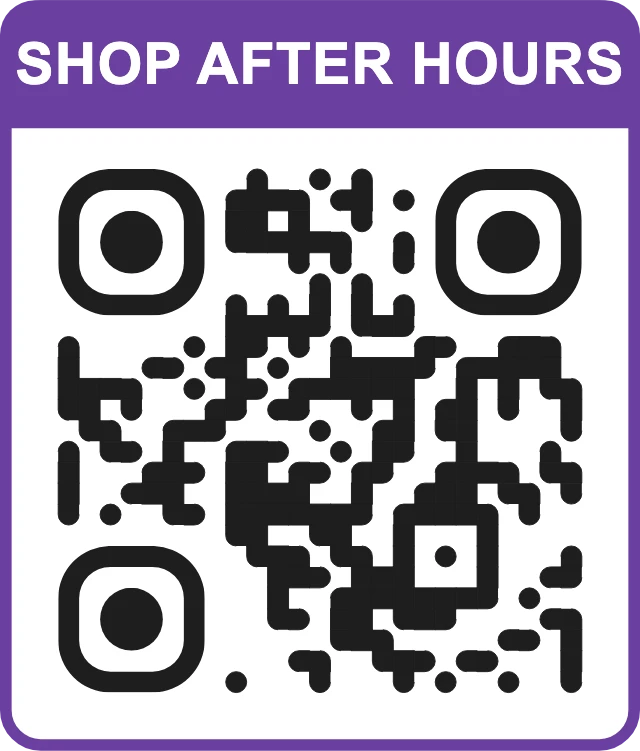
A shop window gets looked at most when the shop is closed: evenings, Sundays, holidays. A code in the window that opens a multi-link page lets a passer-by act right away instead of trying to remember your name.
GetQR hosts the page with a title and up to 20 buttons. For a window, three to five are enough: shop online, see opening hours, buy a gift card, join the newsletter. When the season changes, swap the buttons and leave the window sticker in place.
How to set it up on GetQR
- Type: Multi-link page (always dynamic)
- Title: Example Home Store
- Buttons: Shop online, Opening hours, Gift cards, Join our newsletter
- Frame: Top label, text SHOP AFTER HOURS
- Export: PDF at large size for a printed window decal
Where to put it
On the inside of the glass at eye height, about 1.5 meters from the ground, near the door. People scan from the sidewalk, so make it at least 10 to 15 cm wide and avoid spots where streetlights reflect off the glass.
Tip: Test it at night from outside. Some window films and reflections make codes unreadable after dark; a white backing sheet behind the decal usually fixes it.
3. Directions to the store on flyers and partner counters
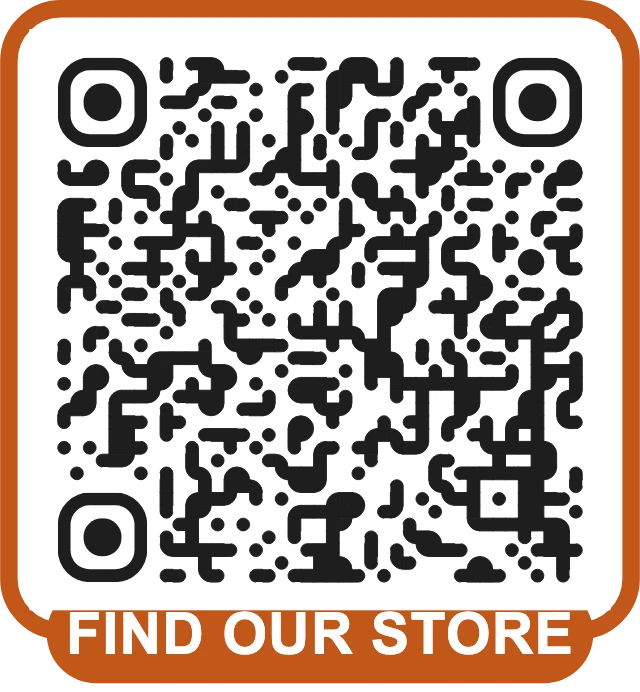
Shops in arcades, side streets, malls or upper floors are often hard to find, even for people who already want to visit. A location code opens the map app with the store already pinned, so a flyer at a market stall or a card at a partner café turns into a route in one scan.
If you move or open a second location, the dynamic code can point to the new address without throwing away the flyers already in circulation.
How to set it up on GetQR
- Type: Location, Mode: Dynamic
- Query: the store address, e.g. Example Arcade 4, Example City
- Frame: Badge, text FIND OUR STORE
- Export: PNG at 1000 px for social posts, SVG for flyers
Where to put it
On flyers, business cards, event stands and posters near the entrance of a shopping center. On a flyer, 3 cm is plenty; on a poster across a hallway, go to 15 cm or more.
Tip: Point to the entrance customers use, which is not always the official postal address. Add the floor or unit number in the frame text or next to the code.
4. Review request at the checkout
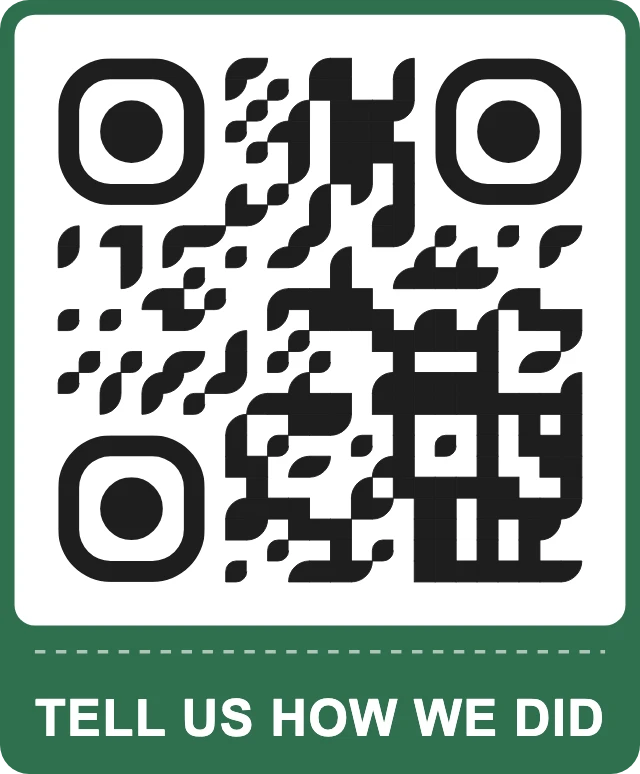
Local shoppers often check reviews before visiting a shop they have never been to. Customers who had a good experience rarely search for your listing afterwards, though. A Google review code at the till or printed on the receipt opens the review form directly.
Ask everyone in the same neutral way. Google's policies do not allow discounts, gifts or prize draws in exchange for reviews, and they do not allow asking only the customers you expect to be positive.
How to set it up on GetQR
- Type: Google review, Mode: Dynamic
- Place: the review link from your business profile
- Frame: Ticket, text TELL US HOW WE DID
- Optional: your logo in the center with error correction H
Where to put it
A small acrylic stand next to the card terminal, a line at the bottom of the printed receipt or a sticker on the bag. Next to the terminal, 4 to 5 cm wide is comfortable.
Tip: Do not place it on the card terminal itself. Customers should never be unsure which code is for paying and which is for feedback.
5. Instagram follow on bags and packaging
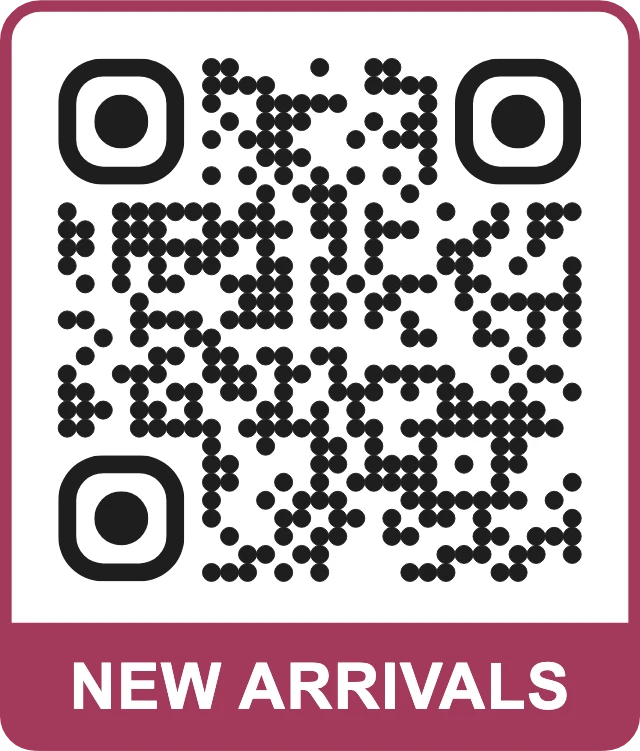
A shopping bag leaves the store and gets carried around town, reused and left on kitchen counters. A code on the bag or a sticker on the gift wrap that opens your Instagram profile turns a one-time buyer into someone who sees your next restock or window display.
Tell people what they will get: new arrivals every Friday is a better reason to follow than a bare logo.
How to set it up on GetQR
- Type: Instagram, Mode: Dynamic
- Profile: your handle, e.g. example.store
- Frame: Label below, text NEW ARRIVALS
- Dots: Dots or rounded, in your brand color if it stays dark enough
Where to put it
On the side of paper bags, on tissue paper stickers, on the back of receipts and on a small sign near the fitting rooms. On bags, keep the code on a flat panel, not across a fold.
Tip: Use a separate dynamic code for bags and for in-store signs. The scan stats then tell you which one actually brings people to your profile.
Getting the basics right for retail
In a shop, codes compete with prices, signs and products for attention. Customers scan the ones that clearly promise something useful and are easy to reach.
Print a test version of every code at its real size and scan it in the store with a couple of different phones before ordering a full run.
- Dark code on a light background; avoid putting codes on busy patterns or photos.
- Write what the code does in the frame: PRODUCT DETAILS, FIND OUR STORE, SHOP AFTER HOURS.
- Keep a clear margin around the code and do not print it across folds or seams.
- Use error correction Q or H for codes on bags, boxes and anything that gets handled.
- Keep payment codes and marketing codes visually separate so nobody confuses them.
Measuring what works with dynamic codes
GetQR dynamic codes show total scans, scans per day for the last 30 days, by country and by device type. No IP addresses are stored and there is no limit on scans.
That is enough for practical tests. Does the window code get scanned on Sundays? Do shelf tags for one product category get more scans than others? Change one thing at a time, wait a couple of weeks and compare.
Each dynamic code has a private management link instead of an account login. Keep these links in a safe shared place; a lost link cannot be recovered.
Frequently asked questions
Do I need a separate QR code for every product?
Only for products where customers have questions the shelf label cannot answer, such as manuals, care instructions or compatibility. Start with your top questions rather than coding every item.
Will the window code still work if I change my website?
Yes, if it is dynamic. A multi-link page is always dynamic, so you can update the buttons and their destinations with the management link while the printed decal stays the same.
Can I offer a discount for a Google review?
No. Google's policies do not allow incentives for reviews. You can still ask every customer in the same neutral way.
How large should a QR code in a shop window be?
A rough rule is 1 cm of width for every 10 cm of scanning distance. For people standing on the sidewalk 1 to 1.5 meters away, 10 to 15 cm works well.
Do QR codes made on GetQR have a watermark or expire?
No watermark and no ads. Static codes never expire, and dynamic codes keep working through the get-qr.org short link with no scan limit.