 GetQR
These are illustrative setups, not client stories: the businesses, names, numbers and links are fictional.
1. For-sale sign that points to the current listing
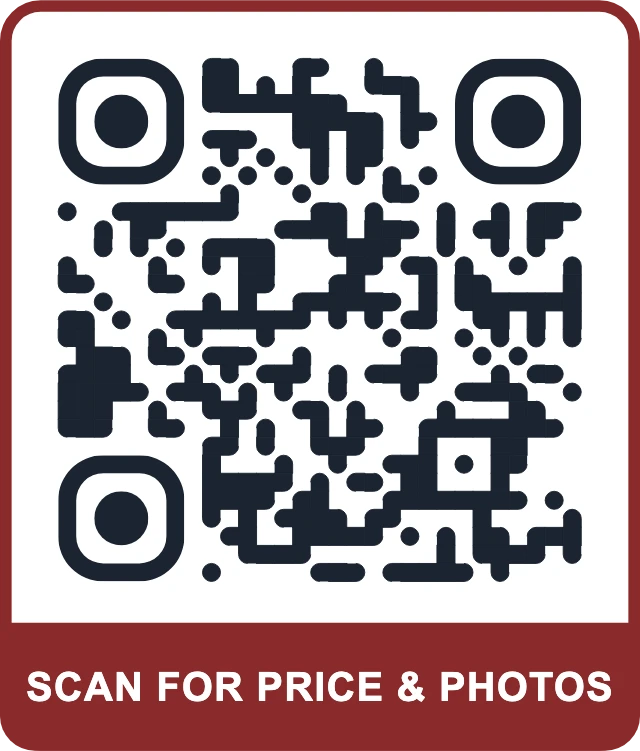
A buyer drives past a three-bedroom house on a Sunday afternoon. The sign has your name and a phone number, but they want photos, the asking price and the floor plan right now, not a callback on Monday. A code on the sign rider takes them straight to the listing page while they are still parked out front.
The catch with printed signs is that they outlive the listing. When the house goes under contract or sells, a static code keeps sending people to a page that says sold, or to nothing at all. With a dynamic code you change the destination in a minute: point it to a page of similar homes nearby, then reuse the same rider on the next property.
How to set it up on GetQR
- Type: Link, Mode: Dynamic
- Destination: the listing page on your own site, not a portal page you can't control
- Frame: Label below, text SCAN FOR PRICE & PHOTOS
- Error correction: Q, so the code still reads after weather and road dust
- Export: SVG for the sign printer, PNG at 2000 px as a backup
Where to put it
Put the code on the sign rider or the lower third of the main panel, at least 8 inches wide if the sign sits back from the sidewalk. Use a matte, weather-resistant material so sunlight doesn't create glare across the code. Keep it at a height a person can reach with a phone without stepping onto the lawn.
Tip: Save the private management link somewhere permanent, such as your listing checklist. It can't be recovered if you lose it, and without it you can't repoint the sign.
2. Agent contact card that saves straight to the phone
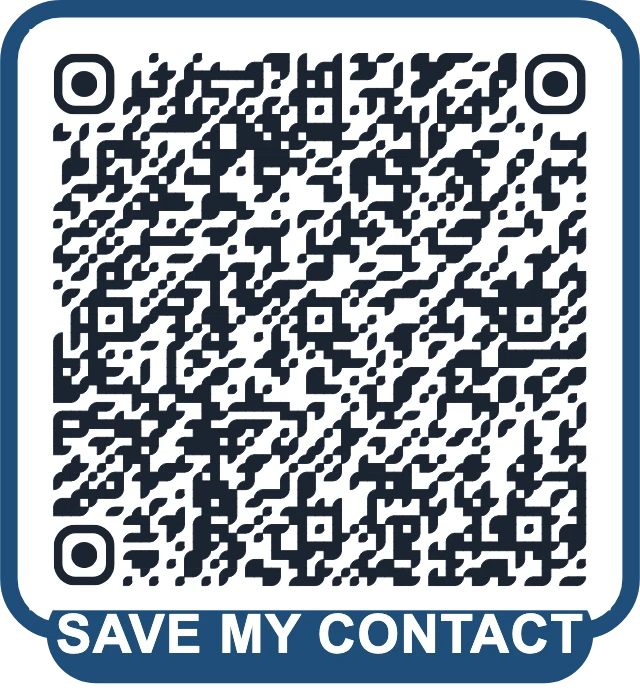
At an open house or a networking breakfast, people collect business cards and then lose them in a coat pocket. A vCard code puts your name, mobile, email, brokerage and website into their contacts in one tap, spelled correctly.
This matters later. When a buyer remembers you three months from now, they search their phone, not a drawer. If your details are already saved under your name and brokerage, you are the agent they call.
How to set it up on GetQR
- Type: vCard
- Fill in first and last name, mobile, work email, brokerage name, job title, website and office address
- Design: your brand color on a white background, corner style matched to your logo
- Logo: brokerage mark in the center, with error correction set to H
- Export: PDF for business cards, PNG for your email signature
Where to put it
Print it on the back of your business card at about 0.8 inches, on the sign-in sheet at open houses, and on the last page of every listing presentation. A larger version on a tabletop stand works at events.
Tip: A vCard is static, so it holds the details you entered on the day you made it. If you change brokerage or phone number, make a new code and reprint the cards.
3. Open house invitation that lands in the calendar
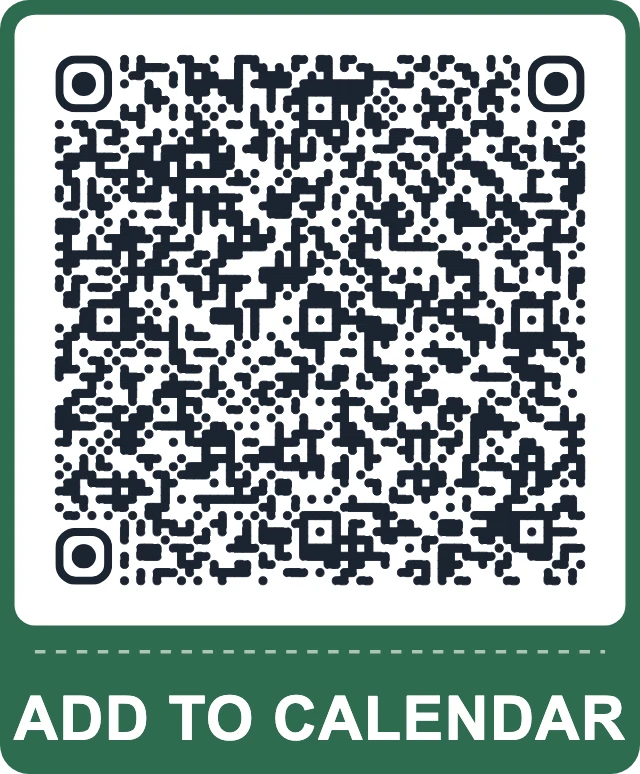
You drop flyers in the neighborhood and post a sign a week before an open house. Plenty of people mean to come, then forget the date. An event code adds the open house to the phone calendar with the address, start and end time and a short note, so the reminder does the work.
Neighbors who aren't buying often come anyway, and some of them are thinking about selling. A calendar entry with your details in the notes keeps your name in front of them.
How to set it up on GetQR
- Type: Event
- Summary: Open house, 48 Maple Lane
- Where: the full street address, so the calendar can open it in maps
- Start and end: the exact viewing window
- Details: parking notes and your mobile number
- Frame: Ticket, text ADD TO CALENDAR
Where to put it
Use it on door-hanger flyers, the open house directional signs set out a few days early, and social posts. On flyers, give it at least 1 inch and keep it away from the fold.
Tip: Because the event is static, a changed date means a new code. Print flyers only once the time is confirmed with the seller.
4. Window card with a video walkthrough
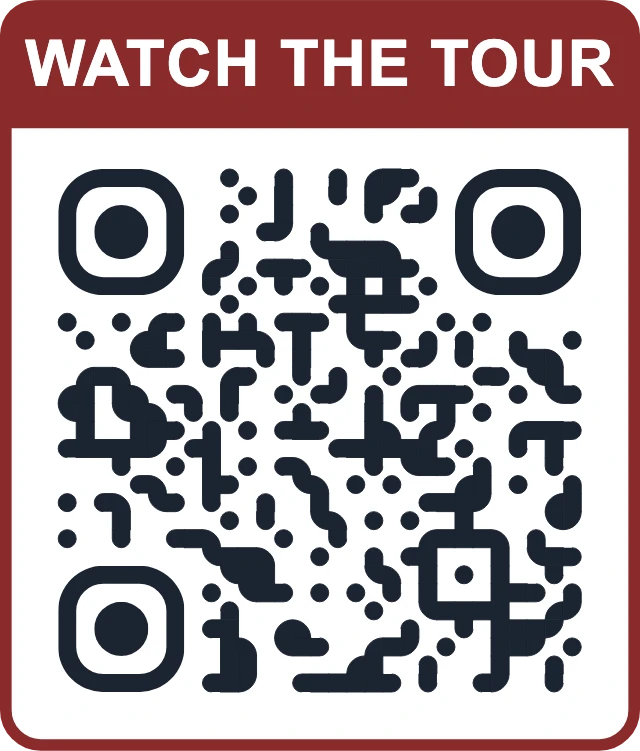
Photos flatten a home. A two-minute walkthrough shows how the kitchen opens onto the yard and how much light the bedrooms get. A code on a window card at your office, or on the back of a printed brochure, opens the tour on YouTube so people can watch it standing on the sidewalk.
Out-of-town buyers often decide whether to fly in based on a video. Making that video one scan away from every printed piece helps them shortlist your listing.
How to set it up on GetQR
- Type: YouTube, Mode: Dynamic
- Paste the tour video URL; set the video to unlisted if you don't want it in search
- Frame: Label above, text WATCH THE TOUR
- Colors: dark code on a light card so it reads through window glass
- Export: PNG at 1200 px for brochures, SVG for large window displays
Where to put it
On office window cards, place the code at eye level, about 4 inches wide, on the inside of the glass with no reflective laminate over it. On brochures, put it next to the main photo rather than on the back page.
Tip: Test the window card from the sidewalk at night. Interior lights and reflections can make a code unreadable through glass even when it scans fine on your desk.
5. WhatsApp inquiry with the address already filled in
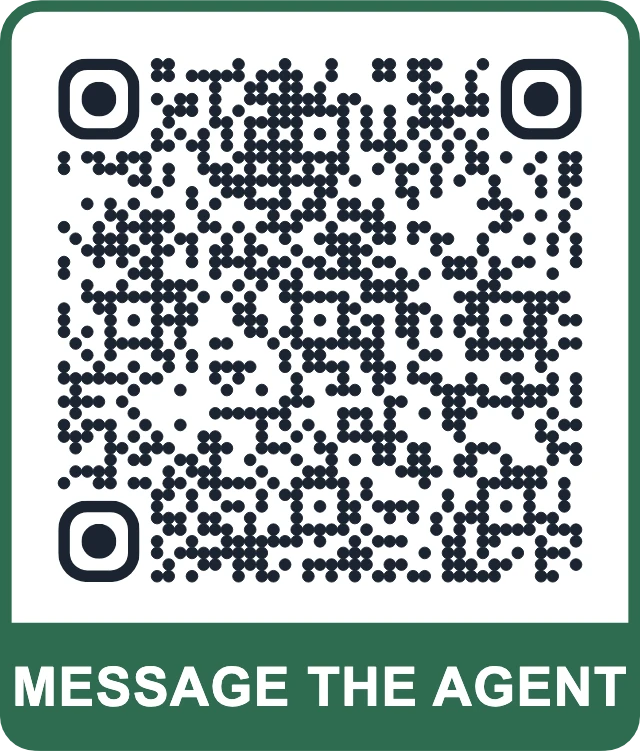
Many buyers prefer to message rather than call, especially in the evening. A WhatsApp code on the flyer opens a chat with your number and a prefilled message that names the property, so you know exactly which listing they mean when the message arrives.
That saves a round of back-and-forth. Instead of a bare hello, you get a line such as a question about 48 Maple Lane and can reply with times for a showing straight away.
How to set it up on GetQR
- Type: WhatsApp, Mode: Dynamic
- Phone: your business WhatsApp number in international format
- Message: Hi, I'm interested in 48 Maple Lane. Is it still available?
- Frame: Label below, text MESSAGE THE AGENT
- Export: PNG for flyers and listing PDFs
Where to put it
Add it to feature sheets left inside the home, the flyer box on the sign post and the last slide of a listing video. Keep at least 1 inch wide on paper, with a quiet margin around it.
Tip: Make a separate code for each listing so the prefilled message always names the right property. Dynamic mode lets you redirect old codes to your general inquiry chat once a home sells.
Getting the basics right for real estate
Property marketing lives outdoors and in print for weeks at a time, so make every code easy to scan from a distance and in bad light. Choose a dark code on a white or cream background, avoid glossy finishes, and size codes for the distance people will stand from them. A rough rule is that the code should be about one tenth of the scanning distance.
Always tell people what they get. A frame with a short label such as SCAN FOR PRICE & PHOTOS or ADD TO CALENDAR gets more scans than a bare square, because buyers know what will open before they pull out a phone.
You can make every code in this guide on GetQR for free, with no sign-up and no watermark on the export.
- Print a test copy at final size and scan it with two different phones before ordering signs
- Send people to pages that load fast on mobile data
- Add a location code that opens the address in maps on flyers for rural or hard-to-find homes
- Keep a spreadsheet of each dynamic code, its listing and its management link
Measuring what works with dynamic codes
Dynamic codes on GetQR count every scan and show totals, a per-day chart for the last 30 days, the country and the device type. No IP addresses are stored. That is enough to answer practical questions: does the yard sign get scanned more on weekends, and do the brochures at the office do anything at all?
Use one dynamic code per placement if you want to compare them. A separate code for the yard sign, the window card and the newspaper ad shows which channel brings buyers to the listing page, without guessing.
Frequently asked questions
What happens to the code on my sign after the house sells?
If you made it as a dynamic code, open the management link and change the destination, for example to a page of similar homes or your next listing. A static code always opens the original link.
How big should a QR code be on a for-sale sign?
For a sign set back from the sidewalk, aim for at least 8 inches wide. Test it from the spot where a buyer would actually stand before you order the full print run.
Do dynamic codes stop working after a while?
No. Dynamic codes on GetQR have no scan limit, and static codes never expire because the content is stored in the code itself.
Can I add my brokerage logo to the code?
Yes. Upload a PNG, JPG, WebP or SVG up to 1 MB and set error correction to H so the code still scans with the logo covering part of it.
Which file format should I send to my sign printer?
Send SVG or PDF. Both are vector formats, so the code stays sharp at any size. Use PNG for websites, email and social posts.