 GetQR
These are illustrative setups, not client stories: the businesses, names, numbers and links are fictional.
1. Room Wi-Fi that connects in one tap
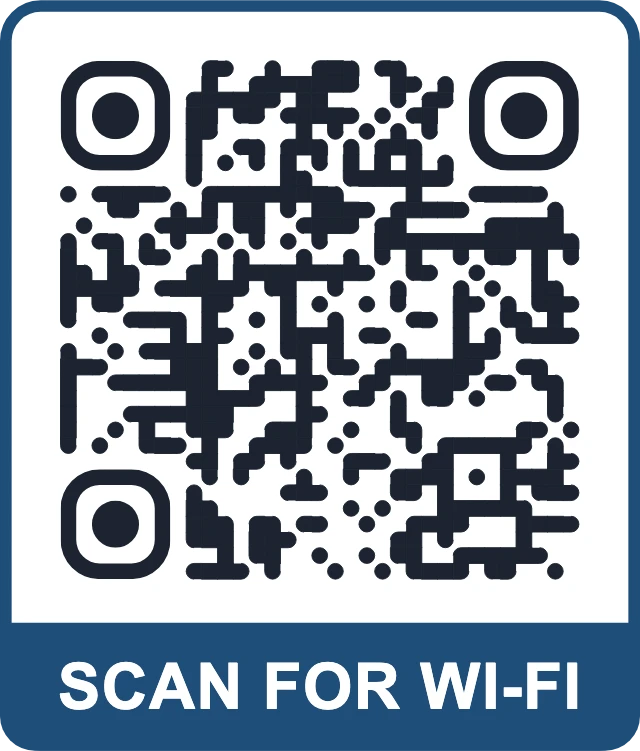
What is the Wi-Fi password? is probably the most common question at any front desk. Picture a 40-room boutique hotel where every arriving guest asks it, then asks again when the password on the key card sleeve turns out to have an ambiguous l or 1.
A Wi-Fi QR code in each room solves this. The guest scans, taps Join and is online. The network name and password are stored in the code itself, so it works without any link or server, and it never expires.
How to set it up on GetQR
- Type: Wi-Fi
- Network name (SSID): your guest network, e.g. Example Hotel Guest
- Security: WPA, then the guest password
- Frame: Label below, text SCAN FOR WI-FI
- Export: PDF to print on the room information card
Where to put it
On the desk card, the TV welcome card or a small sign next to the room's power outlets, where people charge their phones. At least 4 cm wide. Print the network name and password in text underneath for laptops and guests who prefer typing.
Tip: Use a guest network that is separate from your reservation system and staff devices. If you change the password each season, plan the reprint in advance; a static Wi-Fi code cannot be edited after printing.
2. Digital guest guide on a multi-link page
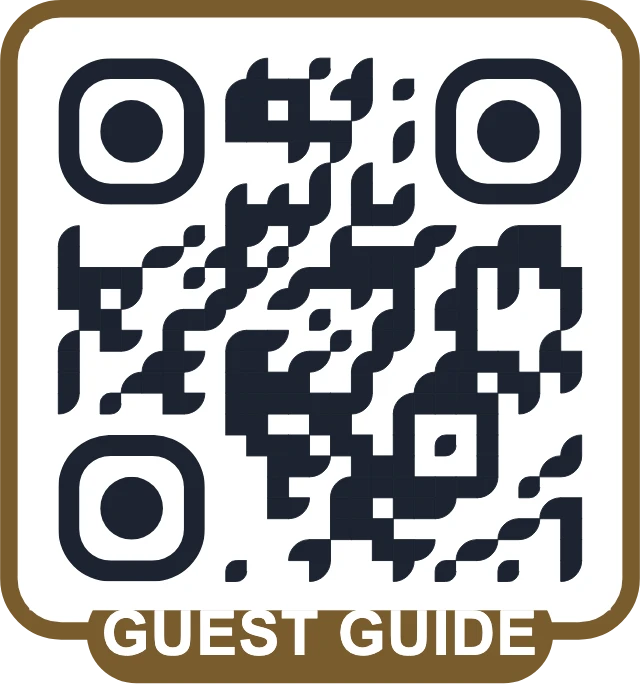
Guest folders in the room get outdated, go missing or never get opened. A multi-link page puts the key information behind one code: breakfast hours, check-out time and late check-out policy, spa or sauna booking, house rules, parking and things to do nearby.
GetQR hosts the page for you with a title and up to 20 buttons. Each button can point to a page on your website, a PDF or a booking form. When breakfast hours change in winter, you edit one button instead of reprinting a folder for every room.
How to set it up on GetQR
- Type: Multi-link page (always dynamic)
- Title: Welcome to Example Guesthouse
- Buttons: Breakfast and check-out, Book the spa, House rules, Parking, Things to do nearby
- Frame: Badge, text GUEST GUIDE
- Optional: your logo in the center with error correction H
- Store the private management link with your other property passwords
Where to put it
On the inside of the room door, the bedside table or a stand on the desk. A second copy at reception helps guests who are waiting to check in.
Tip: Put the button guests need most at the top. Check-out time and late check-out usually beat local history. Keep the list short; five to eight buttons is easier to use than twenty.
3. Map to your entrance, parking or a local favorite
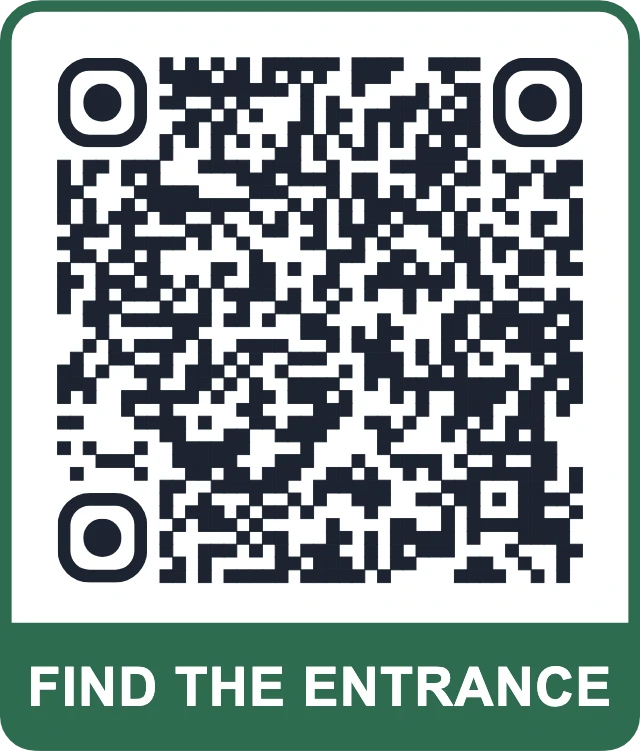
Guesthouses in old town centers, rural B&Bs and hotels with a separate parking garage all hear the same thing: we could not find the entrance. A location code opens a map app with the right spot already selected, which is easier than describing turns over the phone.
Use it in your pre-arrival email as an image, on the sign at the road junction or on a card at reception that points to the nearest pharmacy or the station.
How to set it up on GetQR
- Type: Location, Mode: Dynamic
- Query: the address or coordinates of the entrance or car park
- Frame: Label below, text FIND THE ENTRANCE
- Export: PNG at 800 px for emails, SVG for outdoor signs
Where to put it
For an outdoor sign, go big: a code scanned from 2 meters needs to be around 20 cm wide. Use weatherproof material and avoid putting it behind reflective glass that catches the sun.
Tip: Point the code at the entrance or parking, not your official street address, if those differ. That is exactly the case where guests get lost.
4. WhatsApp concierge for questions during the stay
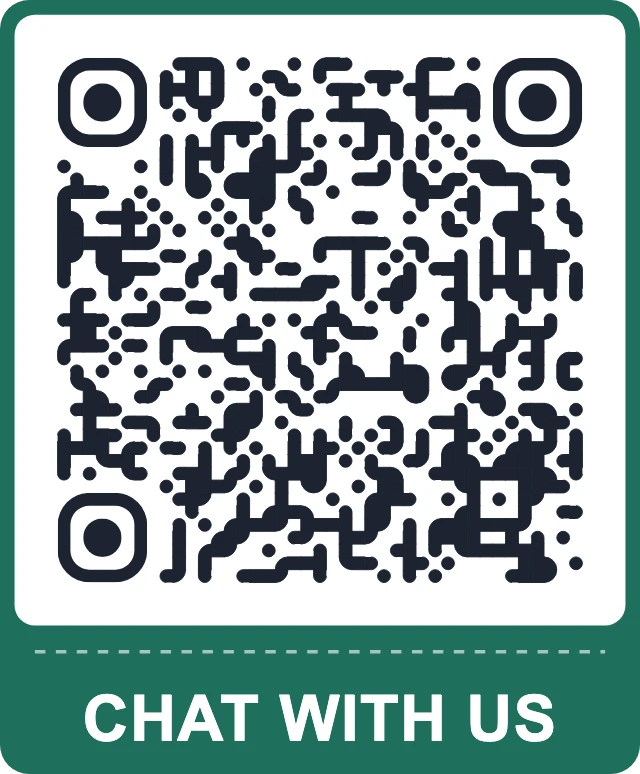
Small properties often have no 24-hour front desk. Guests still want to ask for an extra towel, a taxi or a late dinner tip. A WhatsApp code in the room opens a chat with your business number and a pre-filled message that includes a placeholder for the room number, so you know who is writing.
Be clear about response times. If messages are answered from 7 am to 10 pm, write that next to the code so nobody waits all night for a reply.
How to set it up on GetQR
- Type: WhatsApp, Mode: Dynamic
- Phone: your business number in international format
- Message: Hi, this is room ___. I have a question:
- Frame: Ticket, text CHAT WITH US
- Dots: Extra rounded, color matching your interior
Where to put it
On the bedside table card or next to the room phone, plus one at the entrance for guests arriving after reception closes.
Tip: Because the code is dynamic, you can switch it to a different staff phone during holidays or a change of manager without replacing any cards.
5. Review request at check-out
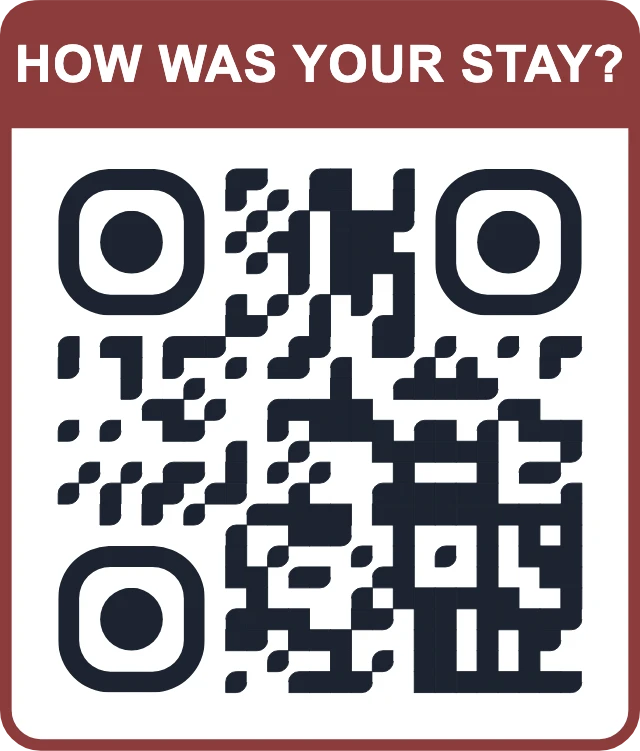
Guests are most likely to leave a review while the stay is fresh. A Google review code on the check-out card or the key card return box opens the review form for your property directly.
Ask every departing guest the same way. Google's policies do not allow rewards for reviews, such as a discount on the next stay, or filtering who gets asked based on how happy they seem.
How to set it up on GetQR
- Type: Google review, Mode: Dynamic
- Place: the review link from your business profile
- Frame: Label above, text HOW WAS YOUR STAY?
- Export: PDF for check-out cards or a framed print at reception
Where to put it
On the check-out card, in the room with the bill, or framed at reception near the key return. At reception, 5 to 6 cm wide is comfortable to scan from across the counter.
Tip: Watch the daily scan stats for a few weeks. If scans stay flat, try a different spot before blaming the idea; the bill folder often works better than the reception wall.
Getting the basics right for hotels
Hotel guests scan codes in dim bedrooms, in bright lobbies and from car windows. Design for the worst case, and test every printed code on the spot, at the light level guests will actually have.
Think about guests who do not use smartphones or do not want to. Keep the essentials, such as the Wi-Fi password and check-out time, printed as text near the code.
- Dark code on a light background, with a clear margin around it.
- One code, one job. Say what it does in the frame: GUEST GUIDE, SCAN FOR WI-FI, CHAT WITH US.
- Error correction Q or H for cards that get handled, folded or splashed.
- Translate the frame text or add a second line in the language most of your guests speak.
- Never put booking numbers, names or other personal guest data in a code.
Measuring what works with dynamic codes
Every dynamic code on GetQR shows total scans, scans per day for the last 30 days, scans by country and by device type. No IP addresses are stored and there are no scan limits.
For a hotel, the country breakdown is a useful hint for which languages to offer on your guest guide. The daily view shows whether the review card gets scanned on busy check-out mornings or ignored.
Each dynamic code has a private management link instead of an account. Save it somewhere shared with the people who run the property, because a lost link cannot be recovered.
Frequently asked questions
Can I change the guest guide after the cards are printed?
Yes. A multi-link page is always dynamic, so you can rename, add or remove buttons and change where they point using the management link. The printed code stays the same.
Do I need a different Wi-Fi code for each room?
Only if each room has its own network. Most properties use one guest network, so one code printed many times is enough.
Is a WhatsApp code a good idea for a small guesthouse?
It is if someone checks the messages during the hours you promise. If nobody can reply quickly, a phone number or a guest guide button with answers to common questions may serve guests better.
Can I reward guests for leaving a review?
No. Google's policies do not allow incentives for reviews or asking only selected guests. Ask everyone in the same way.
Which file format should I send to my printer?
SVG or PDF. Both are vector formats that stay sharp at any size, which matters for large signs. Use PNG for emails and websites.